Your AI. No cloud.
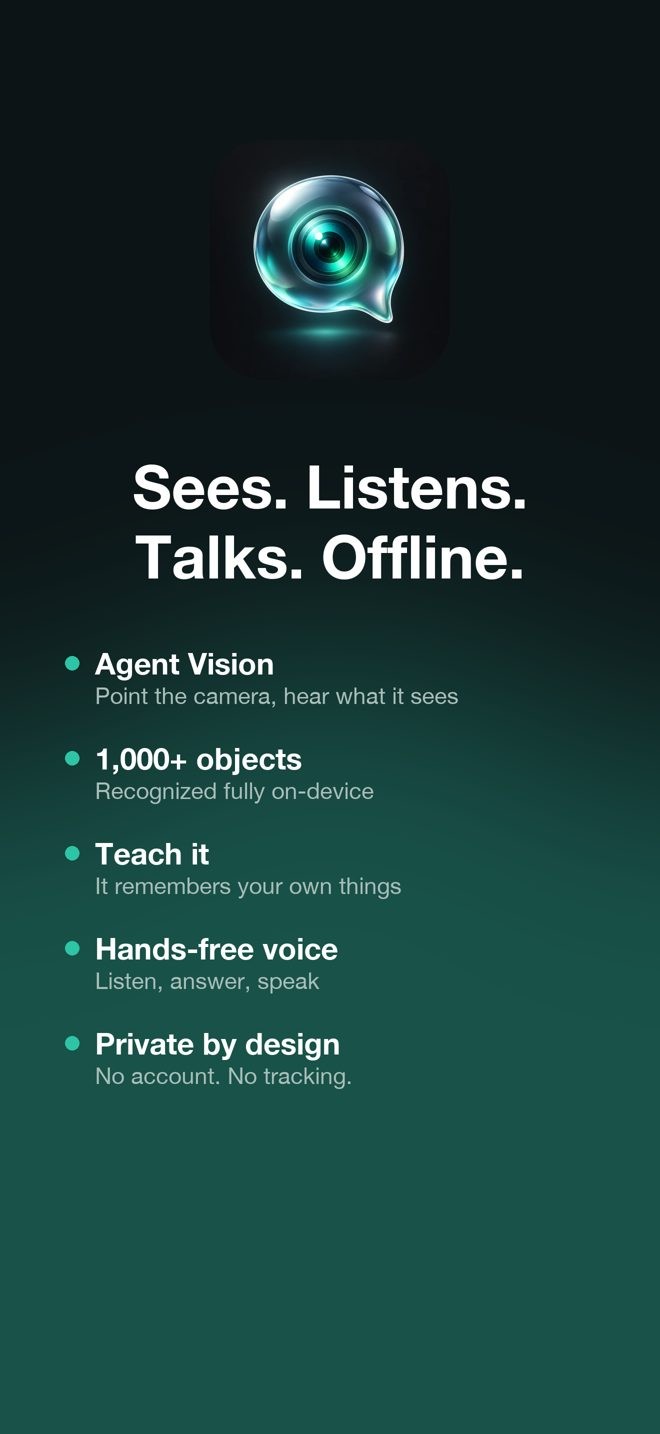
NativeLiquidChat is a private assistant that chats, sees, listens and talks — running entirely on your iPhone.
Download on the App Store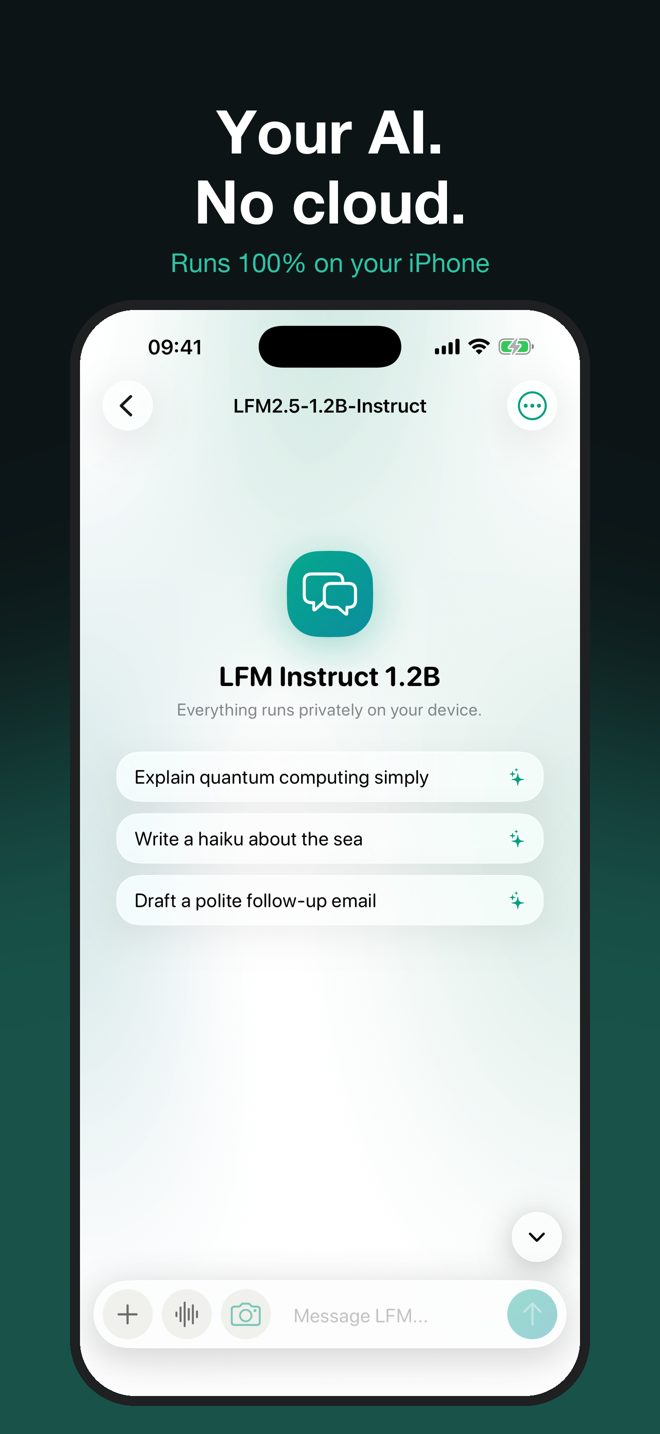
What it does
Which iPhone do you need
Requires iOS 18 or later. Every feature runs on the phone's own chip, so what you can use depends on its memory and sensors. The in-app Model manager checks your iPhone before any download.
| iPhone | Chat, vision, voice | AI models | 3D scan (LiDAR) |
|---|---|---|---|
| iPhone 15 Pro · 16 · 17 series | ✓ | ✓ all models | ✓ Pro models |
| iPhone 12 Pro · 13 Pro · 14 · 14 Pro · 15 | ✓ | ✓ all models | ✓ Pro models |
| iPhone XS · XR · 11 · 12 · 13 · SE (2nd, 3rd gen) | ✓ | Up to 1.2B text, 450M vision | — |
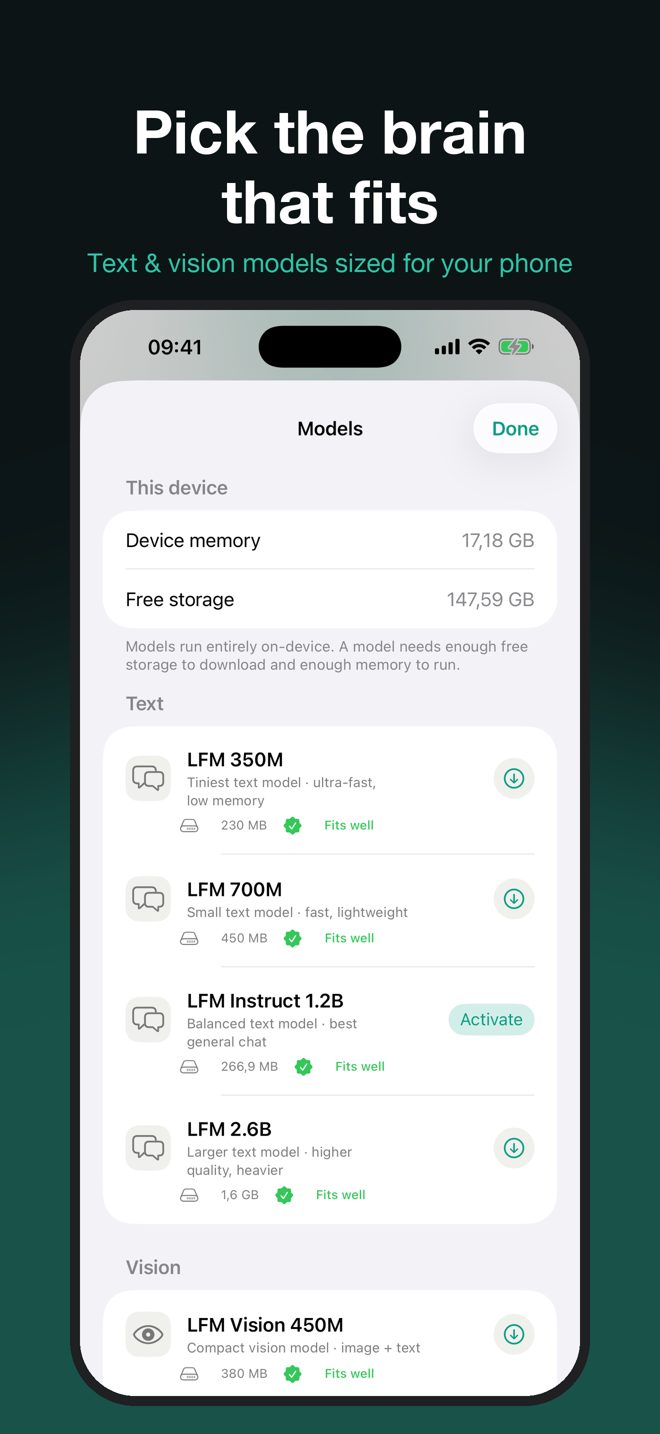
Models: LFM 350M, 700M and Instruct 1.2B, Vision 450M — any supported iPhone. LFM 2.6B and Vision 1.6B — iPhones with 6 GB of memory or more. 3D scan: iPhone 12 Pro, 13 Pro, 14 Pro, 15 Pro, 16 Pro, 17 Pro and their Max models.
FAQ
Does it need the internet?
Only once, to download a model inside the app (230 MB to 1.6 GB). After that every feature works in airplane mode.
Which iPhone do I need?
Any iPhone that runs iOS 18. Larger models need 6 GB of memory, available on iPhone 12 Pro and newer Pro models, iPhone 14 and later. The Model manager checks your device and marks each model as fits, heavy or too large before you download.
What needs LiDAR?
Only the 3D scan and object measurement. They work on iPhone 12 Pro and later Pro models. Chat, vision and voice work on every supported iPhone.
Is my data private?
Yes. The app has no account, no analytics and no tracking. Everything is processed on your iPhone and stays there.
Why are some answers slower than others?
Models run on your phone's own chip. Smaller models are faster; larger ones are smarter. Newer iPhones run all of them faster.